SafeNest Family is a parental control app for iPhone & iPad. Monitor screen time, set app limits, filter websites and build healthy digital habits — built on Apple Screen Time, with data kept on the device.
Free to download · No account needed · Cancel anytime
Screen Time data is processed locally and never uploaded.
Stored only as a salted hash in the iOS Keychain.
Summary, trends and hourly views from 7 to 90 days.
NSPrivacyTracking is false. No selling or sharing of data.
Practical controls built on Apple's Screen Time framework — designed for real family routines, not surveillance.
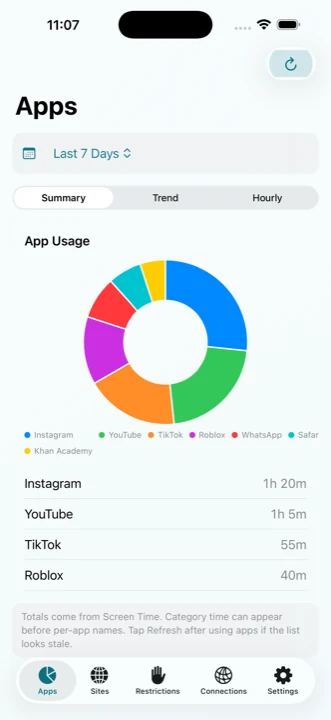
See app and website usage by summary, daily trends and hourly breakdown — with peak activity periods, from 7 to 90 days.
Set daily quotas per app and recurring schedules that block distractions during specific hours and weekdays.
System-wide web filtering for Safari and supported web views. Limit adult sites or allow only approved websites.
Block everything except approved apps during scheduled periods. Built-in Sleep (22:00–07:00) and Homework profiles.
Temporarily exempt selected apps as a reward. Restrictions resume automatically when reward time expires.
Instantly lock all apps except the ones you allow for a chosen duration — ideal for dinner, focus or emergencies.
Manage App Store age ratings, installs, purchases, account changes, Siri, Game Center and more.
Children get a gentle notification about 5 minutes before a schedule begins or a daily limit is reached.
Quick access to iOS data settings, with optional temporary locking of the Settings app for selected periods.
Tap any screen to enlarge. Every report is generated on the device from Apple Screen Time data.
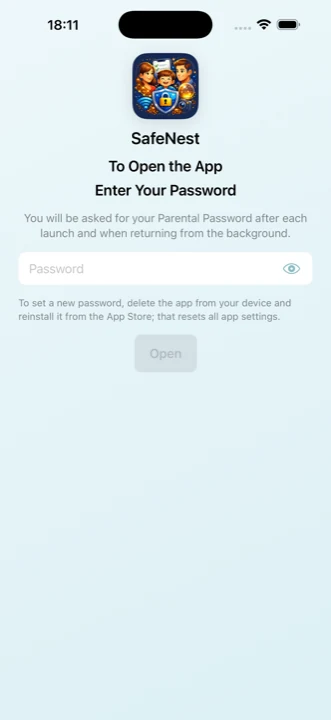
Parent passcode lock
App usage summary
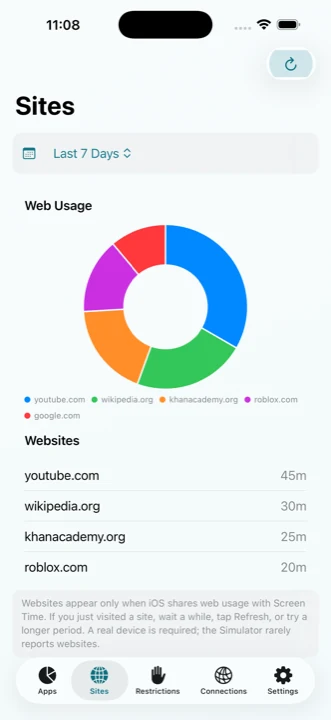
Website usage
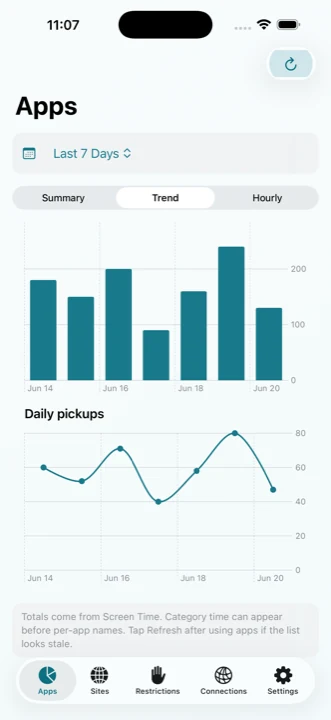
Daily trends
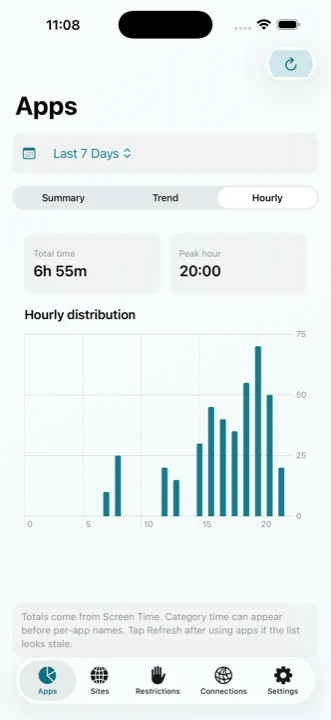
Hourly distribution
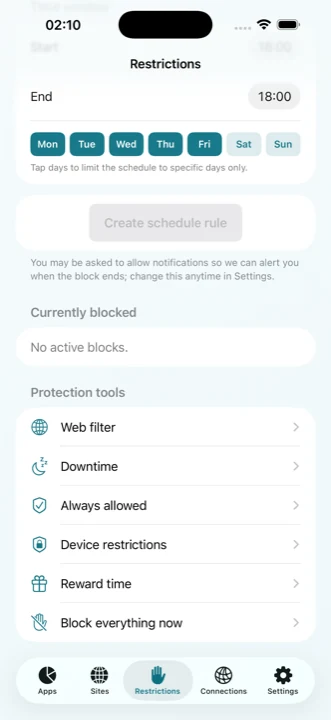
Restrictions
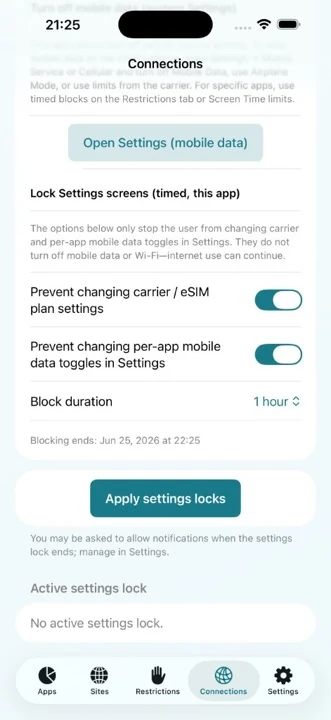
Connectivity
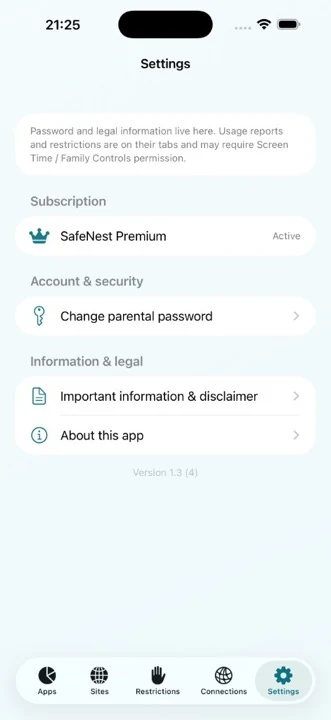
Settings & security
← Swipe to explore all screens →
A quick walkthrough of the SafeNest Family parent app — the passcode lock, usage reports, limits and protection tools.
SafeNest Family is built around Apple's Screen Time framework so controls work reliably without shipping your child's activity to a remote server.
iOS sets strict boundaries for third-party apps. We're upfront about them.
Does not disable mobile data or Wi-Fi completely — iOS does not permit it.
Does not show a full list of installed apps — only Apple's selection interfaces.
Does not upload Screen Time data to developer servers.
Does not block core system apps such as Phone, Messages or Settings.
Screen Time data is processed on the device and never uploaded to our servers.
No account to create. Built on Apple Screen Time, so it works reliably from day one.
Core parental controls are free forever. Premium is optional, with a 7-day free trial.
SafeNest Family is free to download. The Freemium tier includes core parental controls at no cost. Advanced features are part of Premium — try them free for 7 days, then subscribe monthly or yearly. Cancel anytime in the App Store.
The app is free. Freemium tier = free forever. Premium tier features require a paid subscription.
Core features — always free, no subscription
after your 7-day Premium trial
See price in App StoreOne Premium subscription covers your whole family through Apple Family Sharing.
Prices shown in USD. Outside the United States, the App Store automatically shows the equivalent price in your local currency.
Two philosophies: privacy-first oversight versus cloud monitoring. Here's an honest side-by-side.
Qustodio pricing and features shown as of June 2026. Check the App Store for SafeNest Family's current price in your region.
Everything parents ask before downloading.
Practical reading on screen time, online safety and choosing tools that respect your family.
Looking for an iPhone parental control app? Learn what actually matters on iOS, from screen limits to privacy-first controls for families.

Learn how to reduce screen time for kids with realistic routines, device limits, and privacy-conscious tools that support healthier habits.
Looking for a Qustodio alternative for iPhone? Compare privacy, Screen Time tools, and real iOS limits to choose the right parental app.
Download SafeNest Family for iPhone and iPad and take back screen time — the privacy-first way.
Supports Family Sharing — purchases can be shared with up to 6 family members.